Blog
Notes from the shack
New features, how they work, and what’s next for SmartSDR AF.
RSS feed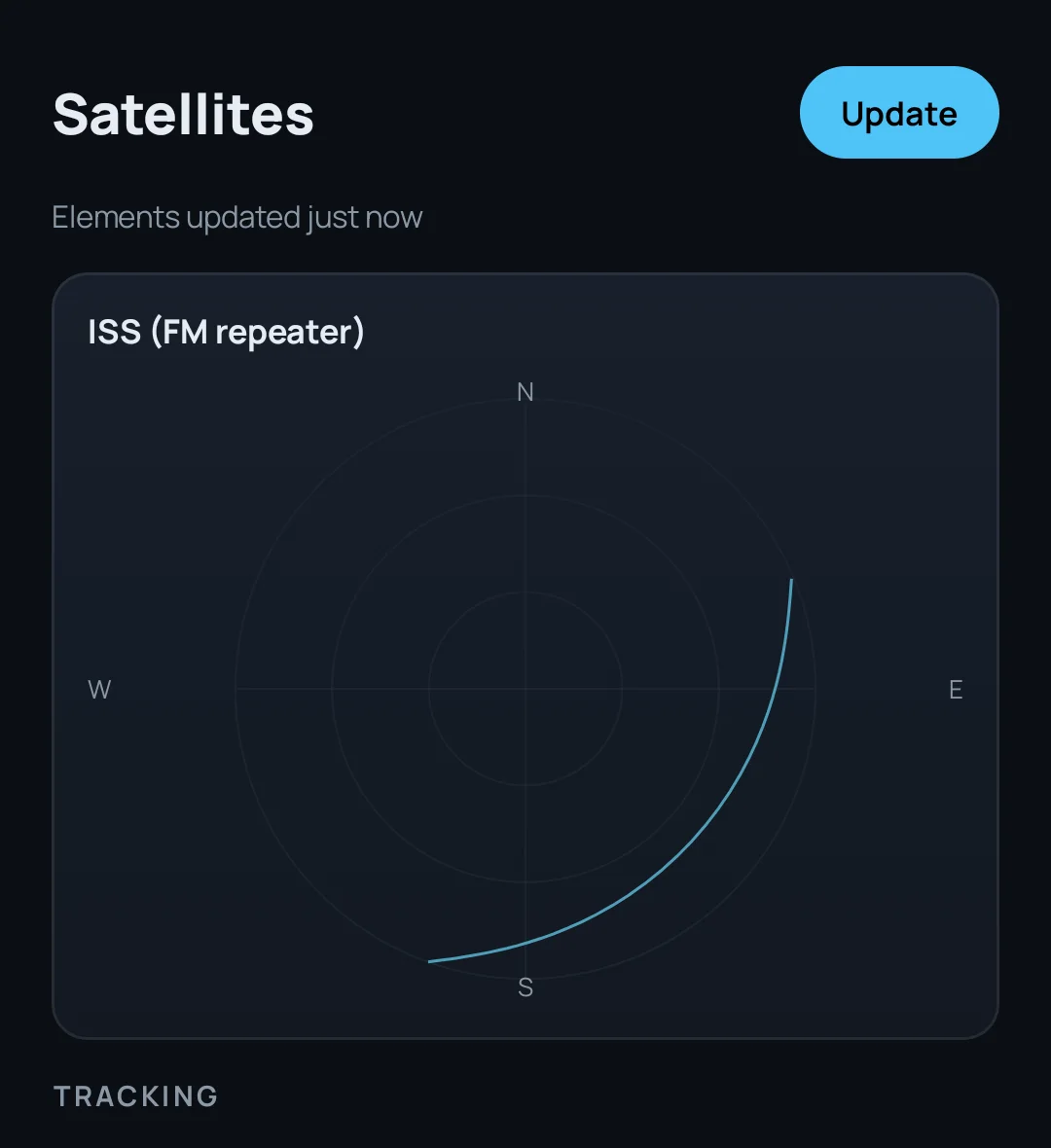 Coming soon · 3 min read
Work satellites: tracking and Doppler
A new Satellites tool: track amateur birds, watch each pass on a live sky plot, and work them with cross-band full-duplex that corrects Doppler automatically.
Read the post →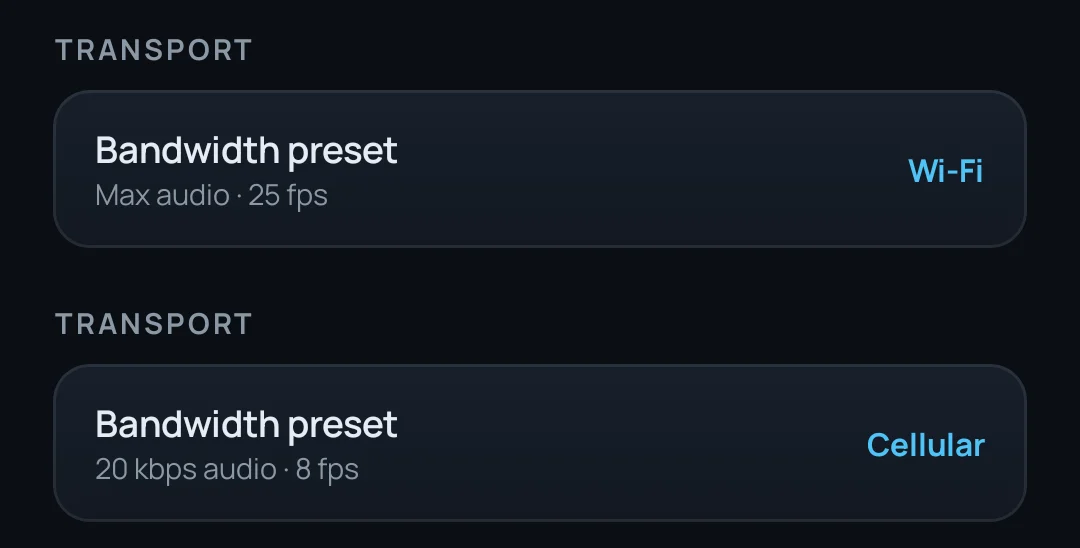 Feature · 2 min read
Operate over cellular with the Bandwidth preset
A Cellular preset that trims the remote audio bitrate and the panadapter frame rate in one tap, so SmartSDR AF stays usable over LTE and other metered or slow links.
Read the post →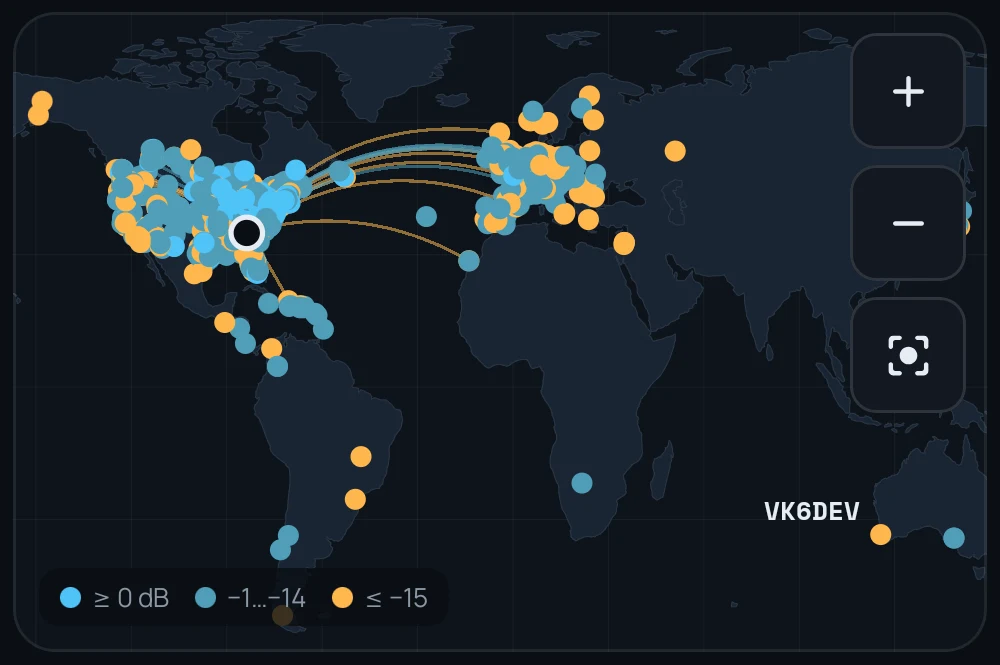 Release · 4 min read
What’s new in SmartSDR AF 1.8.0
The biggest SmartSDR AF update yet: the Heard map, USB and Bluetooth MIDI, keyboard control, Antenna Genius, one-tap split, RBN spots and CW zero beat.
Read the post →- New feature · 4 min read
See who's hearing you: the Heard map
Call CQ, then watch the world answer. A live map of every station that decoded your signal in the last hour, with distance, bearing and signal report for each one.
Read the post → 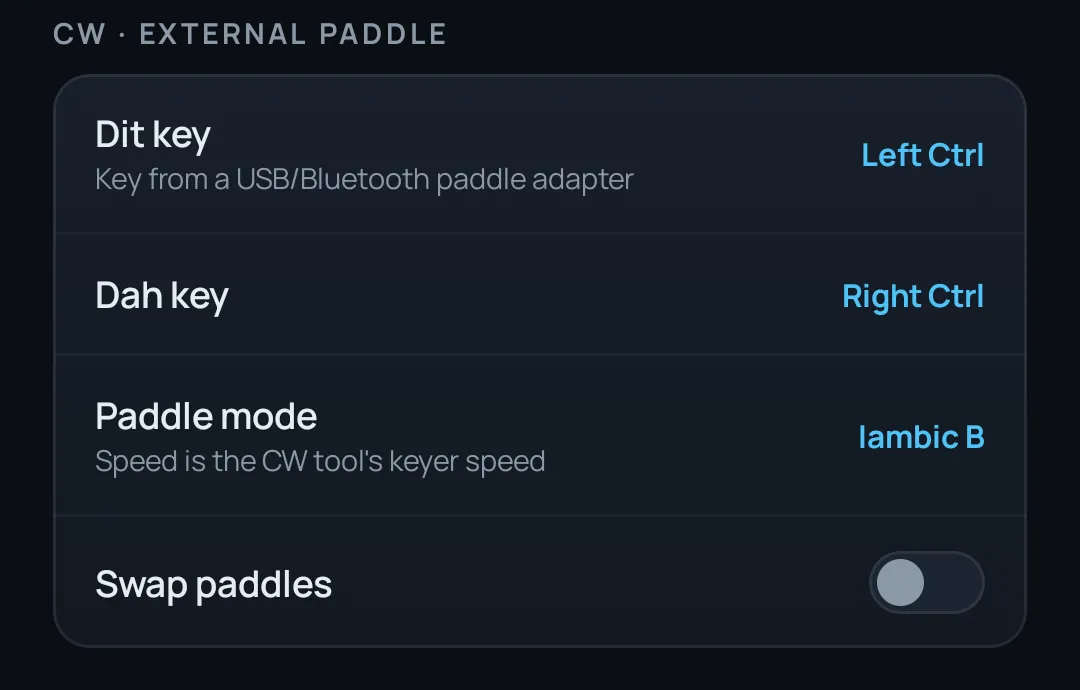 New feature · 3 min read
Key CW with your own paddles over USB or Bluetooth
Plug a USB or Bluetooth paddle adapter into your phone and key CW with your own paddles or straight key, in Iambic B, Iambic A or straight-key mode.
Read the post →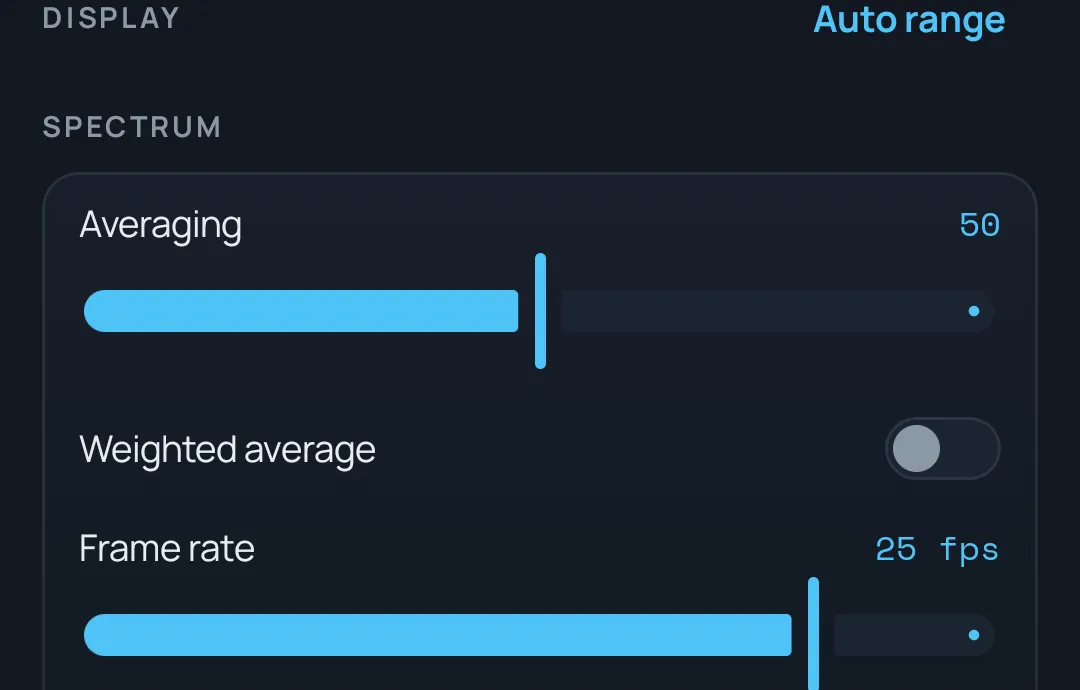 New feature · 2 min read
Tune how your panadapter and waterfall look
Hold the dBm scale to set averaging, frame rate, waterfall colour gain and black level, or drag it to shift the range, all stored on the radio.
Read the post →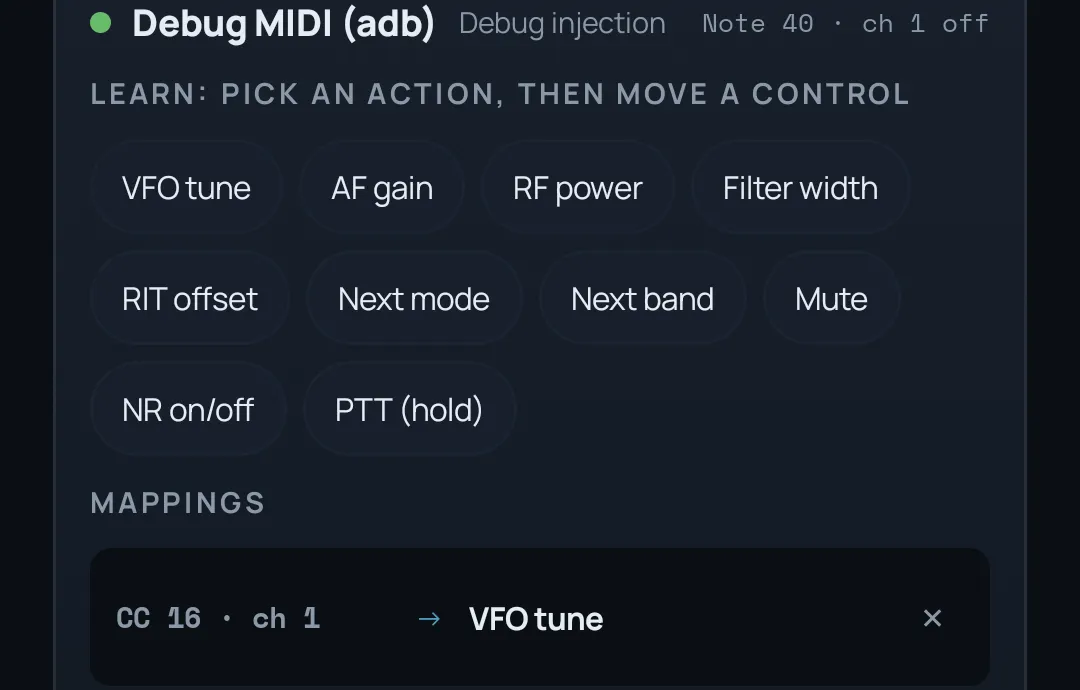 New feature · 3 min read
Run the radio from a USB MIDI controller
Plug in a class-compliant USB MIDI controller and map its knobs and buttons to tuning, AF gain, RF power, filters, RIT, mode, band, mute, NR and PTT.
Read the post →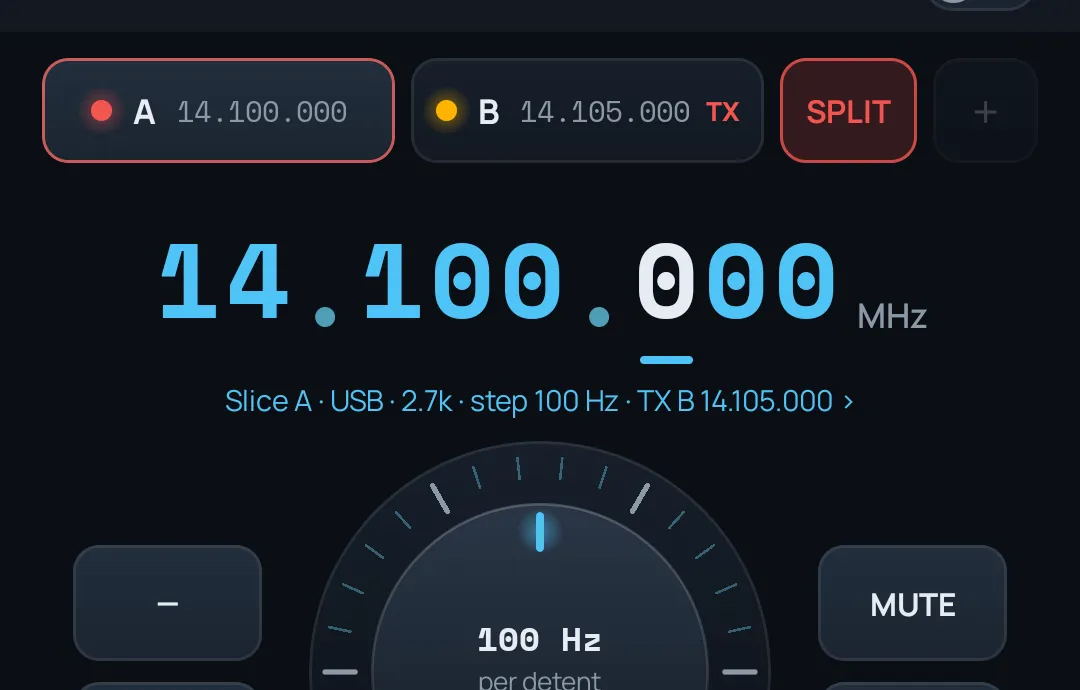 New feature · 2 min read
Go split for DX in one tap
The SPLIT button opens a transmit slice up 1 kHz (CW and digital) or 5 kHz (voice) while you keep listening on your own slice. Tap again to go back.
Read the post →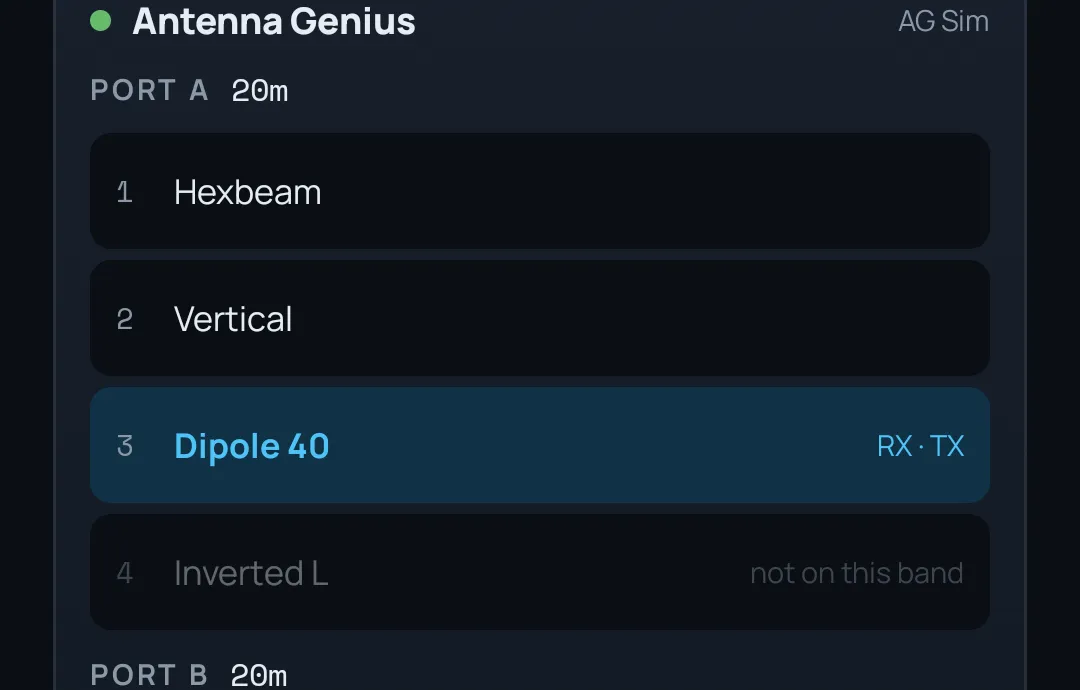 New feature · 2 min read
Pick Antenna Genius antennas from your phone
Own a 4O3A Antenna Genius? SmartSDR AF finds it on your network and lets you pick the antenna for each port, with the ones that don't suit the band dimmed.
Read the post →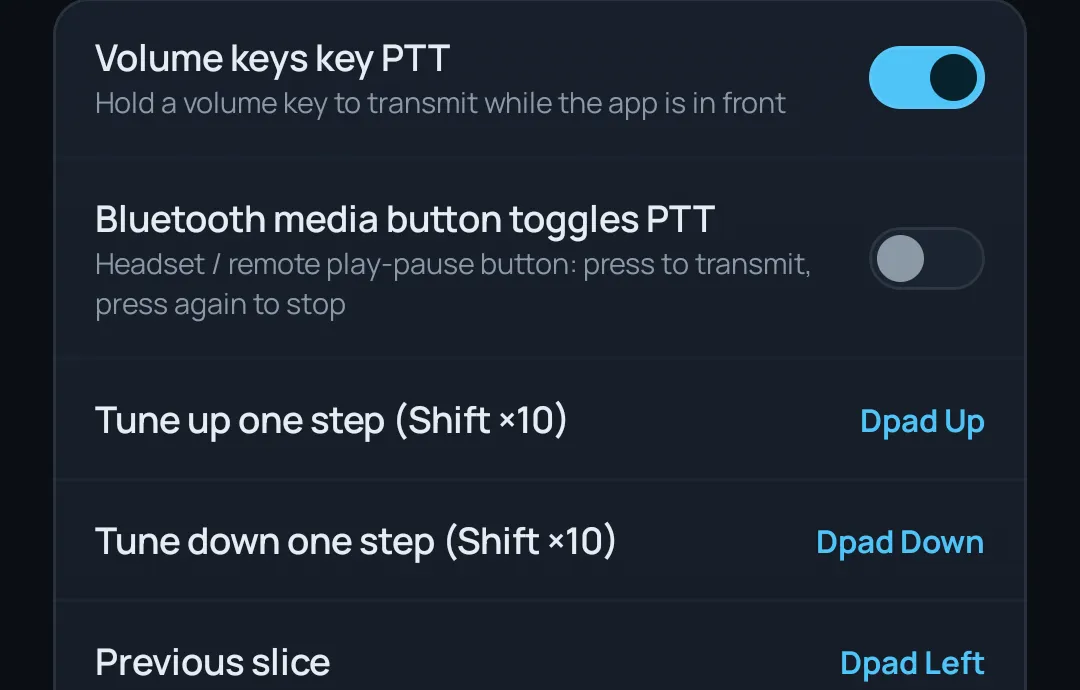 New feature · 2 min read
Run the radio from a keyboard or Bluetooth button
Tune, switch slices, change band and mode, fire macros and key PTT from a Bluetooth or tablet keyboard, the volume keys or a Bluetooth media button.
Read the post →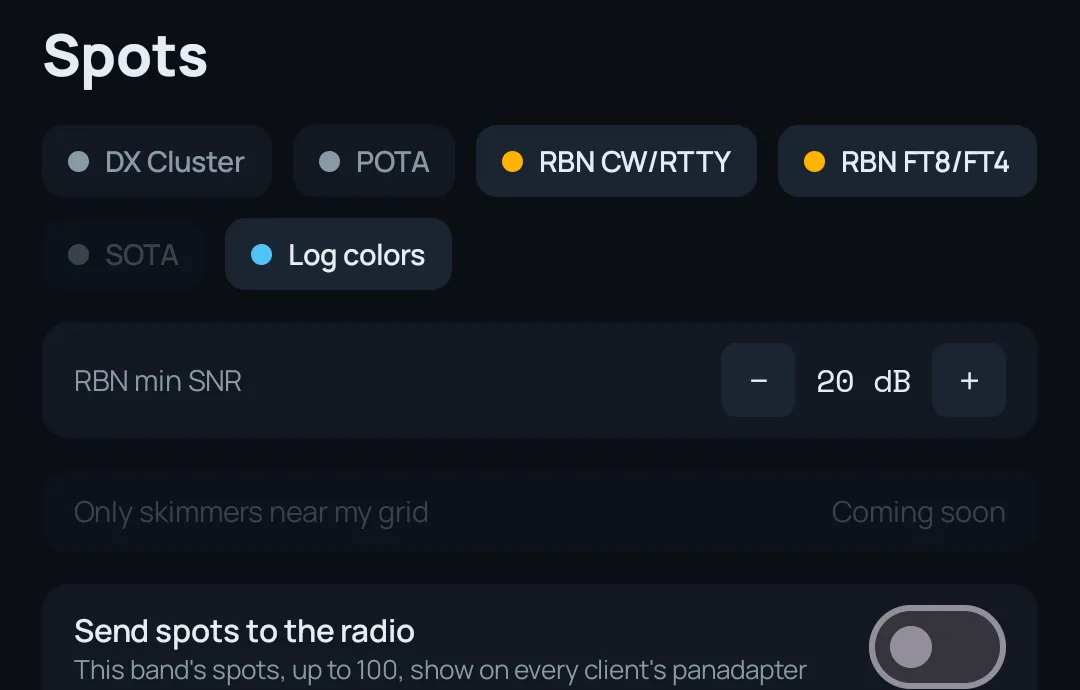 New feature · 3 min read
Reverse Beacon Network spots, and spots on the radio
See CW, RTTY, FT8 and FT4 skimmer spots from the Reverse Beacon Network next to DX Cluster and POTA, and push your band's spots to the radio's own spot list.
Read the post →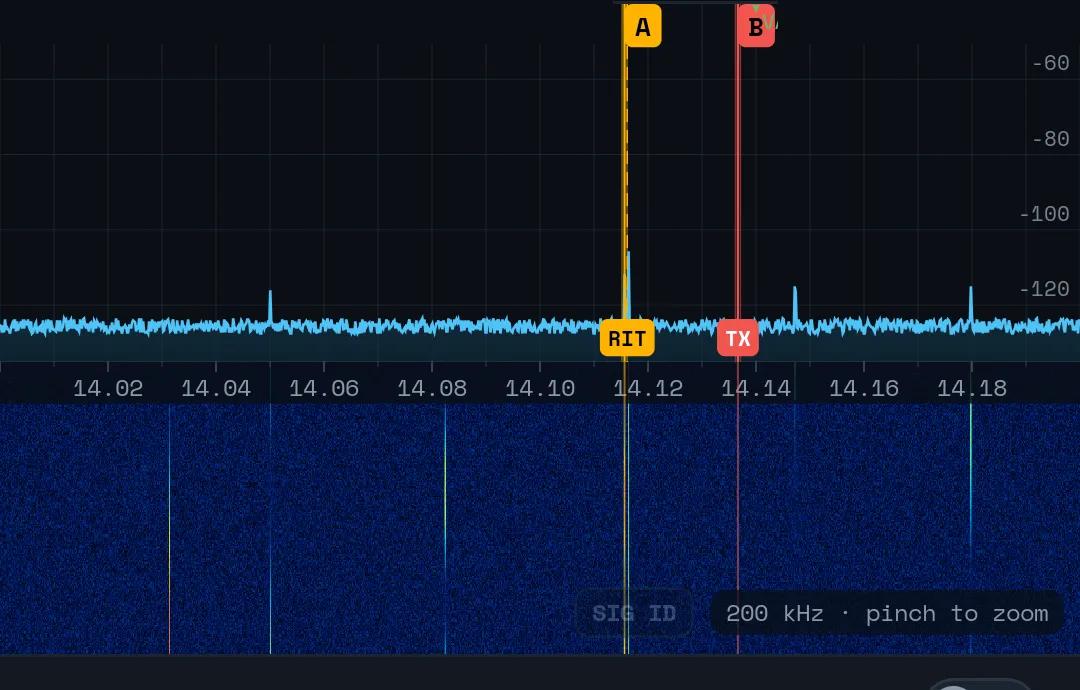 New feature · 2 min read
CW zero beat, and RIT and TX markers on the panadapter
One tap puts a CW station on your sidetone pitch, and the panadapter now marks where you listen with RIT and where you transmit with XIT or split.
Read the post →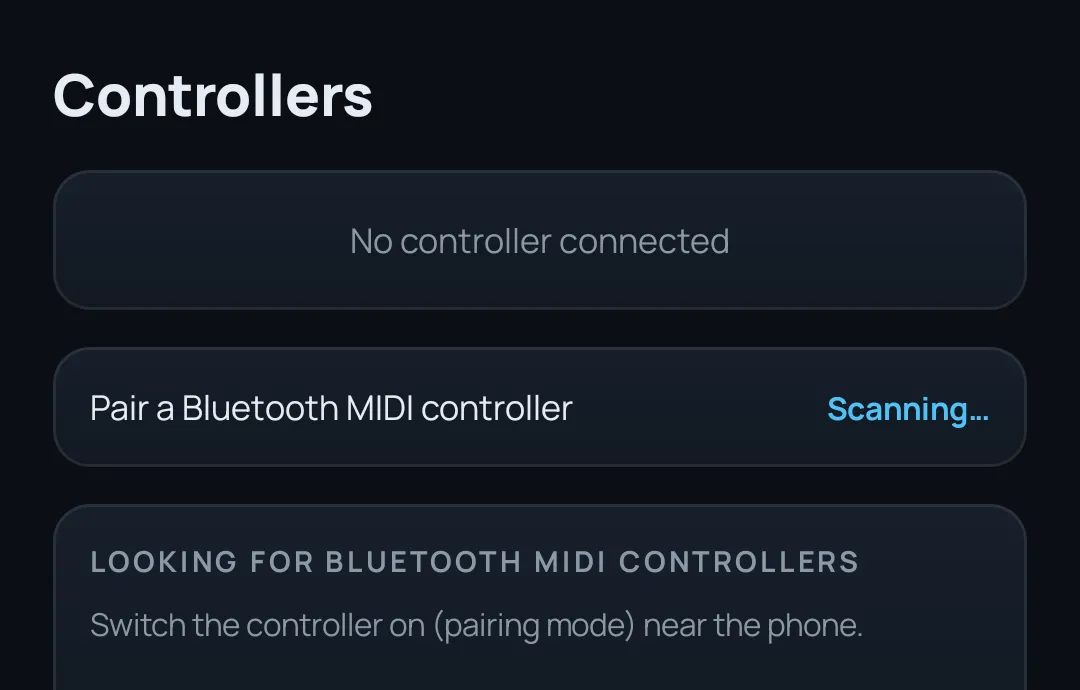 New feature · 2 min read
Pair a Bluetooth MIDI controller
Pair a Bluetooth LE MIDI controller from Tools › Controllers. It then works like a USB one, with Learn and mappings, and reconnects when the app starts.
Read the post →